FL Access 2026: 7 Important Things You Need to Know About Florida Benefits
If you live in Florida and need help paying for groceries, getting healthcare coverage, or supporting your family, understanding FL Access can be an important first step. Florida provides several public assistance programs for eligible individuals and families, and its online MyACCESS portal helps people apply for and manage these benefits.
Many people search for terms such as FL Access login, My ACCESS Florida, Florida SNAP benefits, and FL Access application because they want to know where to apply, how to check their application status, and what to do if they already receive assistance.
The good news is that Florida offers an online system where you can handle many benefit-related tasks without visiting an office for every step. However, each assistance program has its own eligibility requirements, documentation rules, and procedures.
In this guide, you will learn seven important things about FL Access in 2026, including the available programs, how to log in, how eligibility works, how to apply online, and how to manage your benefits.
1. What Is FL Access in 2026?
FL Access is a common search term used by people looking for Florida’s ACCESS Florida public assistance system. The current online platform is called MyACCESS, and it is managed by the Florida Department of Children and Families (DCF).
The portal helps eligible Florida residents apply for certain government assistance programs and manage information related to their cases.
According to Florida’s official government resources, the MyACCESS system supports applications for food assistance, Medicaid, and Temporary Cash Assistance. Users can also access services related to their applications and existing benefits.
You can visit the official MyACCESS website to learn about available programs and online services.
What Can You Do Through FL Access?
Depending on your situation and the services available for your case, you may be able to:
- Apply for eligible public assistance programs.
- Create an online account.
- Review application or case information.
- Check available application status updates.
- Submit requested verification documents.
- Review notices from the agency.
- Renew benefits when required.
- Report certain changes in your circumstances.
These services can make managing benefits easier because many tasks can be completed online.
For example, imagine a Florida resident who recently lost a job and needs help buying groceries. That person can review the state’s SNAP requirements and submit an application through the authorized system. The agency will then review the information and determine whether the applicant qualifies.
It is important to understand that creating an account does not automatically approve someone for assistance. Applicants must meet the applicable program requirements.
2. Which Florida Benefits Can You Access Through FL Access?
One of the most useful things to understand about FL Access is that it connects people with information and services for several assistance programs.
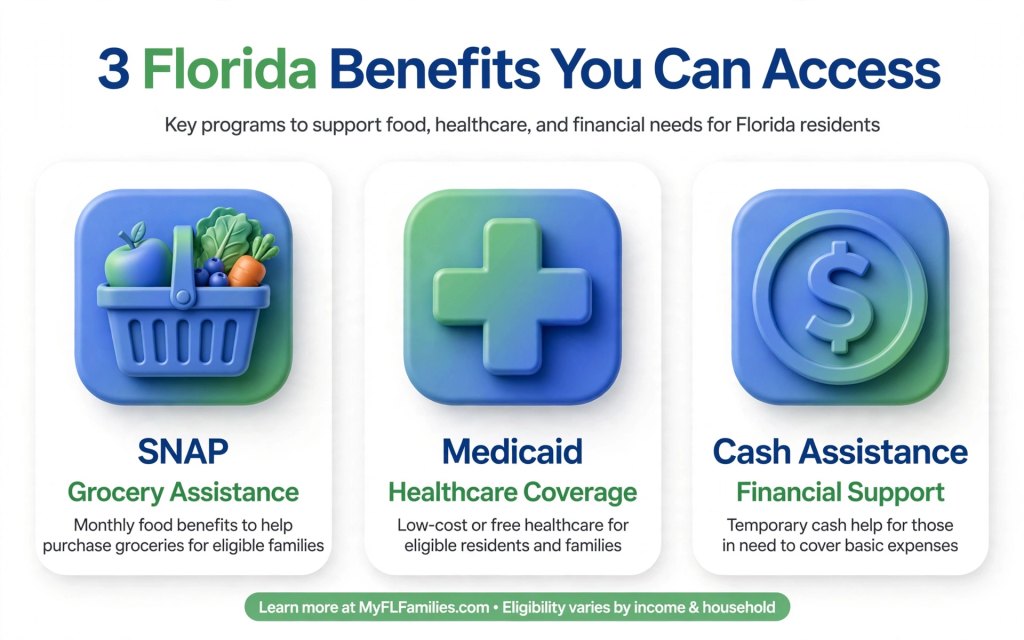
Florida’s public assistance system includes programs designed to help eligible households with food, medical coverage, and temporary financial support.
Florida SNAP Benefits
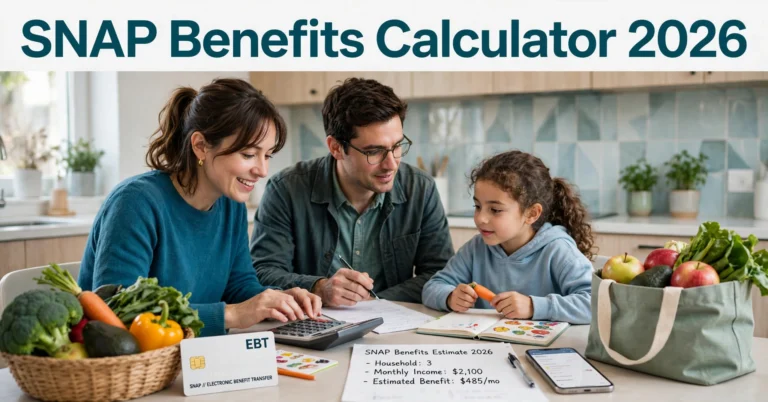
The Supplemental Nutrition Assistance Program, commonly known as SNAP, helps eligible households purchase food.
People sometimes refer to SNAP as food stamps. Benefits are generally provided through an Electronic Benefits Transfer (EBT) card that can be used for eligible food purchases at participating retailers.
The amount a household may receive depends on the applicable program rules and individual circumstances. Household size, income, certain expenses, and other factors can affect eligibility and benefit calculations.
If you want to apply for food assistance, use the official MyACCESS portal to review the application process.
Remember that SNAP benefits are intended for eligible food purchases and cannot be used for every product sold in a grocery store.
Florida Medicaid
Medicaid provides healthcare coverage to eligible individuals who meet the program’s requirements.
Depending on the type of coverage, Medicaid may help pay for services such as doctor visits, hospital care, and other covered medical services.
Eligibility rules vary by category. Factors can include income, age, family circumstances, disability status, and qualifying citizenship or immigration status.
People searching for FL Access may want to understand whether they can apply for Medicaid online. The appropriate application route depends on the applicant’s circumstances and the type of coverage requested.
Temporary Cash Assistance
Florida’s Temporary Cash Assistance (TCA) program provides financial assistance to eligible families with children and certain other qualifying applicants.
The program has specific technical, income, and asset requirements. Additional conditions may apply depending on the applicant’s circumstances.
Cash assistance may help eligible families manage certain essential expenses during a difficult period. However, approval and payment amounts depend on the program’s rules and the applicant’s case.
Why These Programs Matter
Each program serves a different purpose. SNAP helps with eligible food purchases, Medicaid provides qualifying healthcare coverage, and TCA offers temporary financial assistance to eligible households.
Florida uses a common application process for several assistance programs, but applying for one benefit does not guarantee approval for another.
For more information, visit the Florida DCF public assistance website.
3. How to Log In to Your FL Access Account
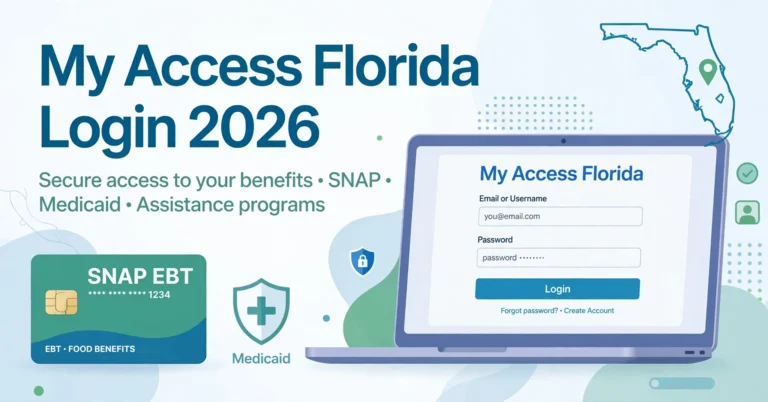
The FL Access login process is an important topic for people who already have an account or want to manage an application online.
The official portal allows users to sign in or create an account to access available benefit services.
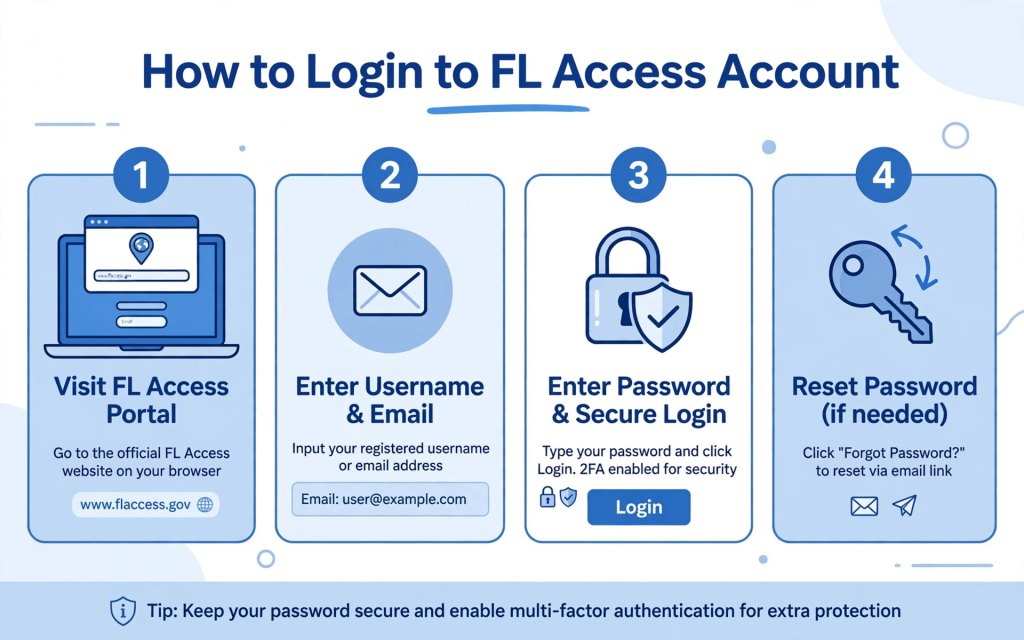
Step-by-Step FL Access Login Guide
Step 1: Open the official website
Visit MyACCESS Florida. Check the website address before entering personal information.
Step 2: Select the login option
If you already have an account, choose the sign-in option shown on the website.
Step 3: Enter your account information
Provide the requested login details and follow any additional security instructions displayed on the portal.
Step 4: Review your account
After signing in, look for available case information, application updates, notices, document requests, or renewal instructions.
The options displayed may depend on your account and the stage of your case.
What If You Forgot Your Password?
Forgetting a password can be frustrating, especially when you need to review an application or respond to an important notice.
If this happens, use the official password-recovery option on the MyACCESS login page. Follow the instructions provided by the system to regain access.
Avoid sharing your password or verification codes with anyone who contacts you unexpectedly.
What If You Do Not Have an Account?
If you are a new user, visit the official website and follow the instructions to create an account.
Florida’s portal also provides an option for people applying only for SNAP to submit an application without creating an account. Check the current website instructions to determine whether this option suits your needs.
An online account can be useful if you want to return later, review your application status, or manage benefits.
4. Who Is Eligible for Florida Benefits in 2026?
Eligibility is one of the most important parts of the FL Access process.
Not everyone who applies will qualify, and the requirements differ between SNAP, Medicaid, and Temporary Cash Assistance.
Before applying, it helps to understand the main factors the state may consider.
Household Income
Income is an important factor in determining eligibility for several assistance programs.
The agency may consider earnings from employment and other sources of income under the rules of the particular program.
However, there is no single income limit that applies to every Florida benefit. Requirements can vary based on household circumstances and program category.
For this reason, applicants should check the current official rules rather than relying on an income limit published in an older article.
Household Size
The number of people in a household can affect eligibility and benefit calculations.
For example, SNAP calculations may differ between a single person living alone and a larger household with children.
Program definitions of a household are not always identical, so applicants should answer the questions in the application carefully.
Residency Requirements
Applicants generally need to meet the applicable Florida residency requirements.
The agency may request information to verify identity, address, or other details relevant to the application.
Citizenship and Immigration Status
Certain assistance programs have citizenship or qualifying immigration-status requirements.
The specific rules depend on the program and the applicant’s circumstances. People who are unsure about their eligibility should consult official program guidance.
Age, Family Circumstances, and Other Requirements
Some programs have special rules for children, parents, pregnant applicants, older adults, and people with disabilities.
Work-related requirements or other program conditions may also apply to certain applicants.
How Can You Check Your Eligibility?
The best approach is to review the official eligibility information for the program you need.
You can begin at the official MyACCESS portal, where you can find program information and application resources.
Do not assume that you are automatically eligible because your income is low. Similarly, do not assume that you cannot qualify simply because you have a job.
The agency evaluates applications using the applicable rules and the information provided.
5. How to Apply for Benefits Through FL Access
Applying online can be a convenient way to begin the process of requesting Florida public assistance.
Before starting, gather any information you already have about your household, income, and expenses. This preparation can make it easier to complete the application accurately.
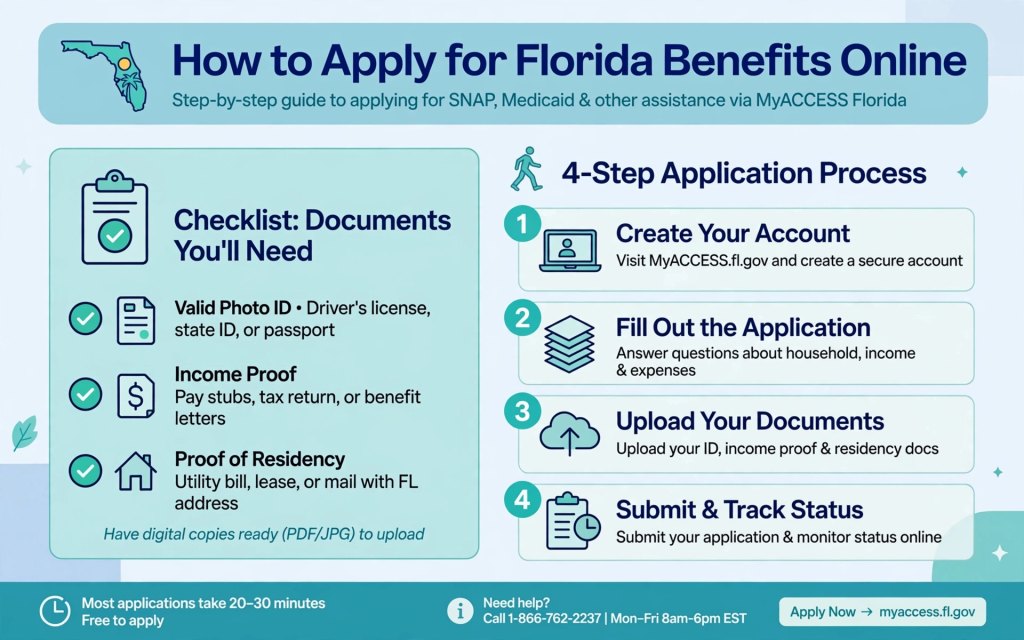
Step 1: Visit the Official MyACCESS Website
Start at the official MyACCESS Florida website.
Review the programs listed and identify the assistance you want to request.
Step 2: Create an Account or Choose an Available Application Option
Follow the instructions on the portal. If you create an account, the system allows you to save your work and return later when that feature is available.
If you are applying only for SNAP, review whether the current application-without-an-account option meets your needs.
Step 3: Provide Accurate Information
The application may ask about your identity, household members, income, expenses, and other relevant circumstances.
Read each question carefully. Enter accurate information and review your answers before submitting the form.
Providing incomplete or incorrect information can cause delays or create problems with your application.
Step 4: Prepare Supporting Documents
You do not necessarily need to upload every document before submitting an application. Florida’s official application guidance explains that the agency will tell applicants which documents are required.
Depending on your case, requested documents may include:
- Proof of identity, such as a driver’s license or state identification card.
- Recent pay stubs or other proof of income.
- Records related to certain household expenses.
- Additional documents requested by the agency.
Only submit documents through authorized channels and follow the instructions provided for your case.
Step 5: Submit Your Application
Before submitting, check your answers for mistakes.
Save any confirmation information provided by the system so you can refer to it later.
Step 6: Watch for Updates
After submission, the agency reviews your application. You may be contacted if additional information or an interview is needed.
Florida’s official application guidance states that interviews may be required for SNAP or Temporary Cash Assistance. Medicaid applications generally do not require an interview, although the agency may request additional information.
Check your account and official communications regularly so you do not miss an important request.
6. How to Check Your Florida Benefits and Application Status
After submitting an application, many people want to know whether it has been approved or whether additional information is needed.
The FL Access system can help users find available information about their applications and cases.
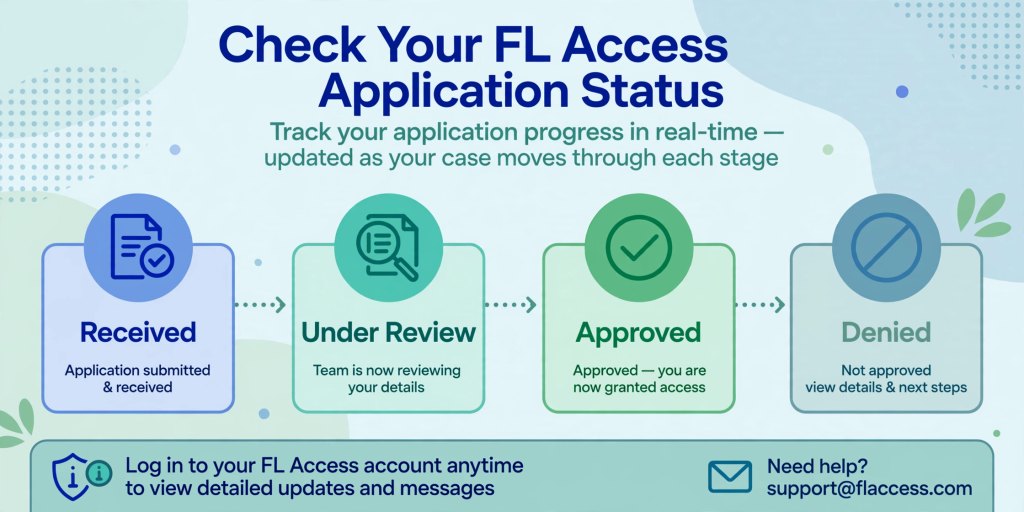
Check Your Application Status Online
Start by opening the official MyACCESS website and signing in to your account.
Look for the section that provides application or case information. Review any available status updates, messages, or notices.
The information displayed may vary depending on the program and the progress of your application.
Understand Common Application Updates
An application can pass through several stages.
Received: The agency has received your application.
Under review: The agency is evaluating the information you provided.
Additional information required: You may need to submit documents or answer questions before the review can continue.
Approved: The agency has determined that you qualify for the relevant benefit, subject to the terms of the approval.
Denied: The agency has determined that you do not qualify under the applicable rules. Read the official notice to understand the reason and any available review or appeal options.
These are general explanations rather than guaranteed status labels used by every program.
What If Your Application Is Taking Longer Than Expected?
A delay does not necessarily mean your application has been denied.
First, review your account and notices for requests for additional information. Make sure you have followed any instructions and deadlines provided.
If you still cannot determine what is happening, contact the Florida DCF customer service center for assistance.
How Do You Check Benefit Payments?
The process depends on the type of benefit.
For SNAP, recipients generally use an EBT card to access their food assistance. Cash assistance has its own payment arrangements, while Medicaid provides healthcare coverage rather than a regular food-benefit payment.
Do not assume that every program follows the same payment schedule.
For official help, use the MyACCESS Help Center.
7. How to Renew Benefits and Solve Common FL Access Problems
Getting approved for benefits is not always the final step. Some recipients must complete renewals, report changes, or provide additional information to continue receiving assistance.
Understanding these responsibilities can help you avoid preventable problems.
Renew Your Benefits on Time
If your program requires a renewal or review, the agency will provide instructions about what you need to do.
Read your notices carefully and pay attention to the dates listed. The renewal process and deadlines may differ between programs.
Do not assume that your benefits will continue automatically without completing required steps.
Report Changes When Required
Depending on your program, you may need to report changes in circumstances such as household income, address, or household members.
Follow the reporting rules that apply to your case. If you are unsure whether a change must be reported, check your official program guidance or contact the agency.
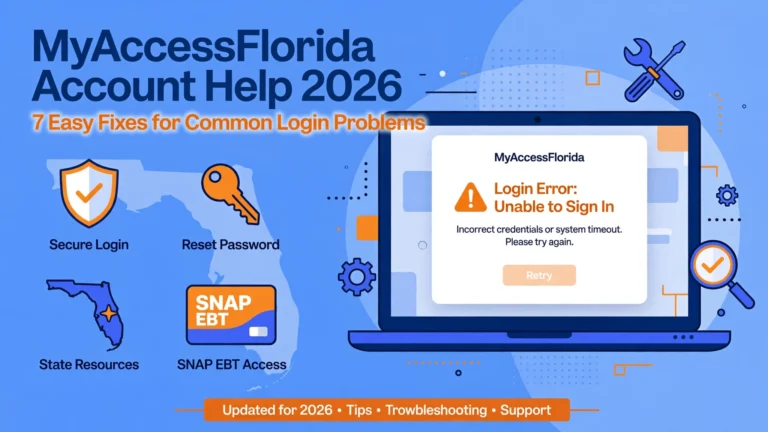
Fix Login and Account Problems
Common problems include forgotten passwords, difficulty signing in, and trouble locating application information.
Try the official account-recovery process first. If the problem continues, use the portal’s help resources or contact customer support.
Avoid creating additional accounts unless the official instructions tell you to do so.
Respond to Requests for Documents
If the agency asks for supporting documents, follow the instructions in the notice.
Check that the documents are readable and that you have submitted the requested information through an approved method.
Keep copies of important records whenever practical.
Avoid FL Access Scams
Be careful with websites or messages that promise guaranteed benefits, instant approval, or special access in exchange for payment.
Use the official Florida government portal when applying or managing your case. Never share passwords or verification codes with someone who contacts you unexpectedly.
You should also provide truthful and complete information on applications. False statements can lead to serious consequences, including repayment demands, loss of benefits, or other penalties.
Where Can You Get Help?
Florida’s MyACCESS customer service center provides help with benefit-related and technical questions.
The official portal currently lists the following contact information:
- Phone: 850-300-4323
- Hours: Monday through Friday, 8 a.m. to 5 p.m.
- Florida Relay: 711
- TTY: 1-800-955-8771
Check the official MyACCESS Help Center for current contact details and additional support options.
Frequently Asked Questions About FL Access
1. What Is FL Access in Florida?
FL Access is a common term people use when searching for Florida’s ACCESS Florida public assistance system. The current MyACCESS portal helps eligible residents apply for and manage certain benefits, including SNAP, Medicaid, and Temporary Cash Assistance.
2. How Do I Log In to My FL Access Account?
Visit the official MyACCESS website, select the login option, and enter your account information. If you cannot remember your password, follow the official recovery instructions.
3. Can I Apply for SNAP Through FL Access?
Yes. Florida residents can use the authorized MyACCESS application process to apply for SNAP. Eligibility depends on the program’s current rules and the applicant’s circumstances.
4. How Can I Check My FL Access Application Status?
Sign in to your MyACCESS account and review the available application or case information. Check official notices for requests, decisions, and any required next steps.
5. Can I Apply for Medicaid Through MyACCESS?
The portal provides access to Medicaid-related application services. The appropriate application route depends on your circumstances and the type of coverage you need.
6. How Long Does FL Access Take to Approve Benefits?
Processing times vary according to the program, the details of your case, and whether additional information is required. Check official notices and follow any instructions provided by the agency.
7. Do I Need an Account to Apply for Florida Benefits?
An account is useful for managing applications and checking available information. However, the official portal also offers an application option for people applying only for SNAP without an account. Review the current instructions before choosing your method.
8. What Should I Do If My FL Access Account Is Not Working?
Use the official password-recovery process or consult the MyACCESS Help Center. If the issue continues, contact the customer service center for assistance.
Conclusion
Understanding FL Access in 2026 can make it easier to navigate Florida’s public assistance system. Whether you need help buying groceries, exploring healthcare coverage, or applying for temporary financial support, the MyACCESS portal is a useful starting point.
The most important things to remember are to use the official website, review the eligibility requirements for your program, provide accurate information, respond to requests for documents, and check your account for updates.
You should also pay attention to renewal notices and report changes when required. These steps can help you manage your application or existing benefits more effectively.
Ready to get started? Visit the official MyACCESS Florida website to review available programs, apply for assistance, or sign in to your account.
Remember that eligibility and approval depend on the rules of the relevant program. Always check official Florida government resources for the latest requirements and instructions before making decisions about your benefits.